Save from any app
A link in Safari, Messages, or another app is easy to lose if it is not saved in the moment.
- Save it from the share sheet, without leaving that app
- Open it later in Bookmarks, or back in Safari
Bookmarks saves links from any app, organizes them with folders and tags, and reminds you to read them later. Your data stays on your device. No account required.
Download on the App Store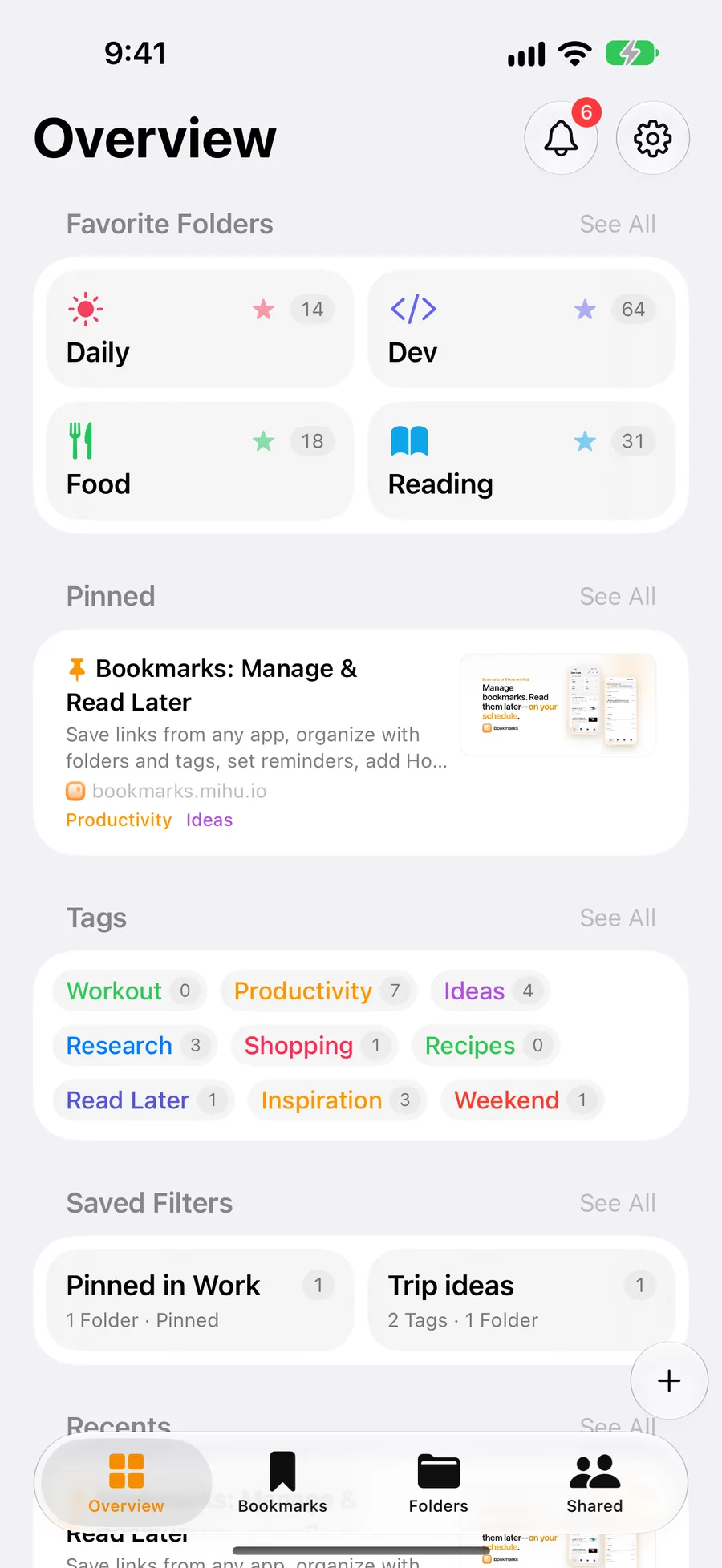
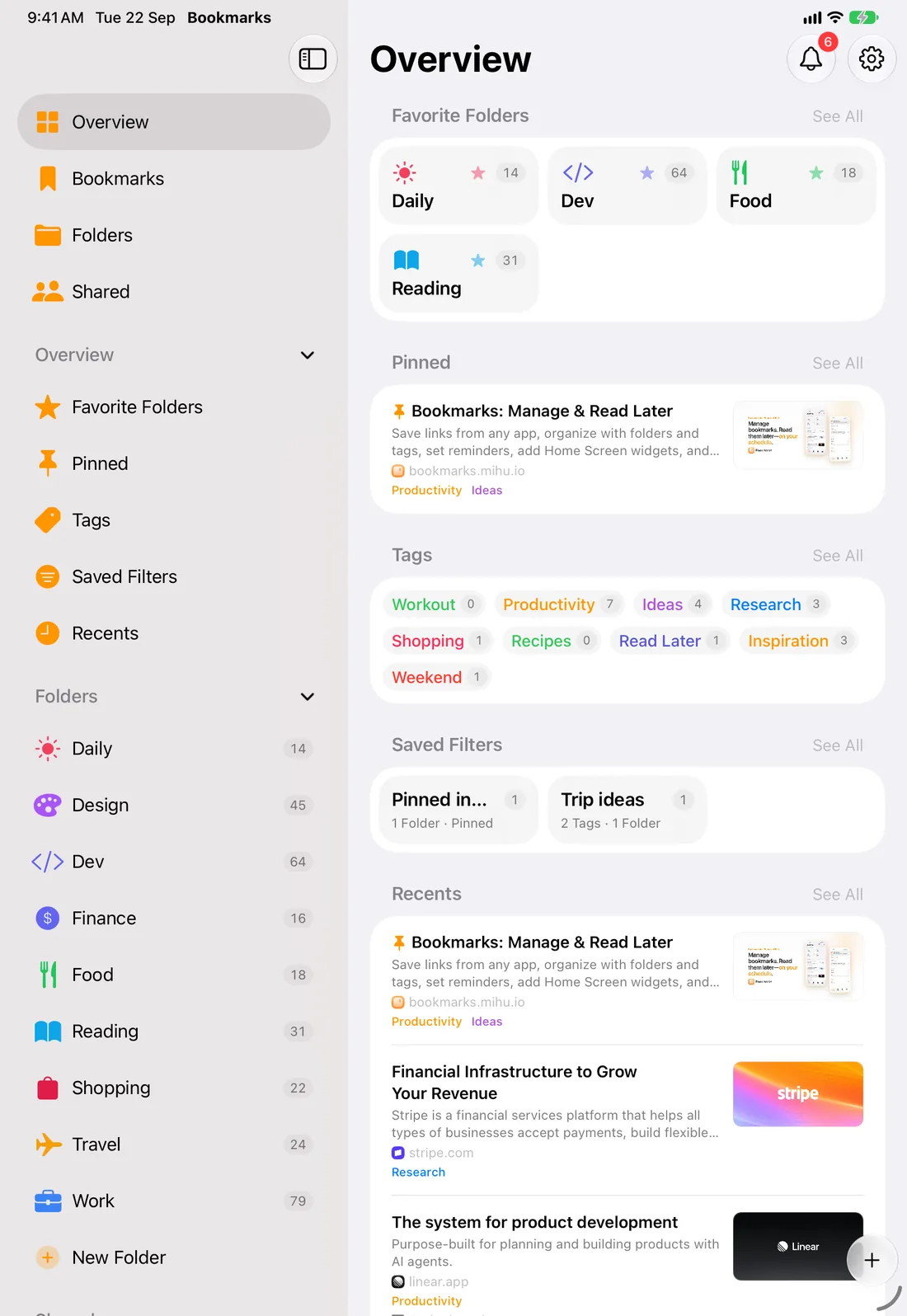
For the link that would disappear, and the word that is easier to remember than the folder.
A link in Safari, Messages, or another app is easy to lose if it is not saved in the moment.
Stopping to file a link gets in the way of whatever is already on screen.
Bookmarks already live in Chrome, Safari, or Firefox.
A long list is hard to scan, and one folder can only put a link in one place.
A page title rarely says why a link was saved, or what to do with it next.
A word from the link is easy to remember. The folder is not.
A search still shows too many links when only one kind is needed.
For the link that would be forgotten, the other device, and the person who needs the list.
A saved link is easy to forget.
Opening the app is an extra step when the link is already known.
A link saved on iPhone is not on iPad until the library can move with it.
Links do not need to live on a server we run.
Someone else needs a trip plan or a reading list, and those links are only on your iPhone.
Yes. The app is free to download. Free includes saving and organizing links, Home Screen widgets, one scheduled reminder, one owned shared folder, one Auto Filing rule, and one Saved Filter. Joining a folder someone else shares does not count toward that limit. Pro unlocks unlimited reminders, a custom home layout, list appearance, more owned shared folders, Auto Filing, Saved Filters, and browser import and export. Prices are shown in the app and on the App Store.
No. Bookmarks stores your links on your device. No sign-in is required.
iCloud sync is optional. When it is on, your library syncs across your iPhone and iPad with your Apple ID. You can also share one top-level folder so invited people see the bookmarks and subfolders inside it. Your other folders stay private. Reminder history stays on the device that received the notification.
Yes, with Pro. Export Netscape HTML bookmarks from Chrome, Safari, or Firefox, then import them in Bookmarks. You preview the file and choose what to keep before anything is added. Export uses the same format.
Bookmarks runs on iPhone and iPad. There is no Mac app. With iCloud sync on, the same library is on every iPhone and iPad signed into that Apple ID.
Download Bookmarks for iPhone and iPad.
Download on the App Store